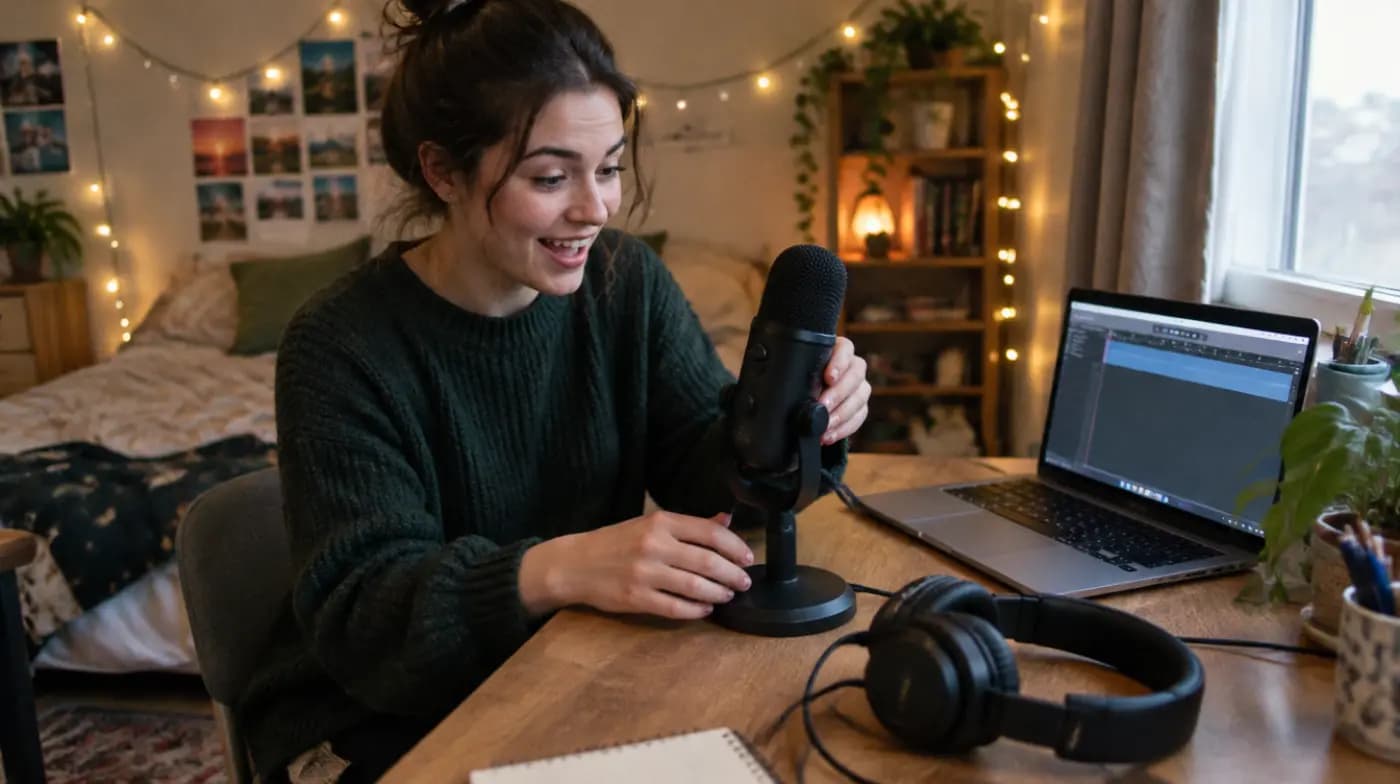

Most beginners overspend on podcast gear and underspend on the room they record in. A $70 microphone in a quiet bedroom full of soft furniture will usually sound better than a $400 microphone in an echoey kitchen.
This guide covers the podcast equipment for beginners that actually matters, in the order it matters. You'll get the minimum kit, three complete setups at different budgets, and a plain-English explanation of each piece so you can buy once and stop second-guessing.
What equipment do you need for a podcast at minimum?
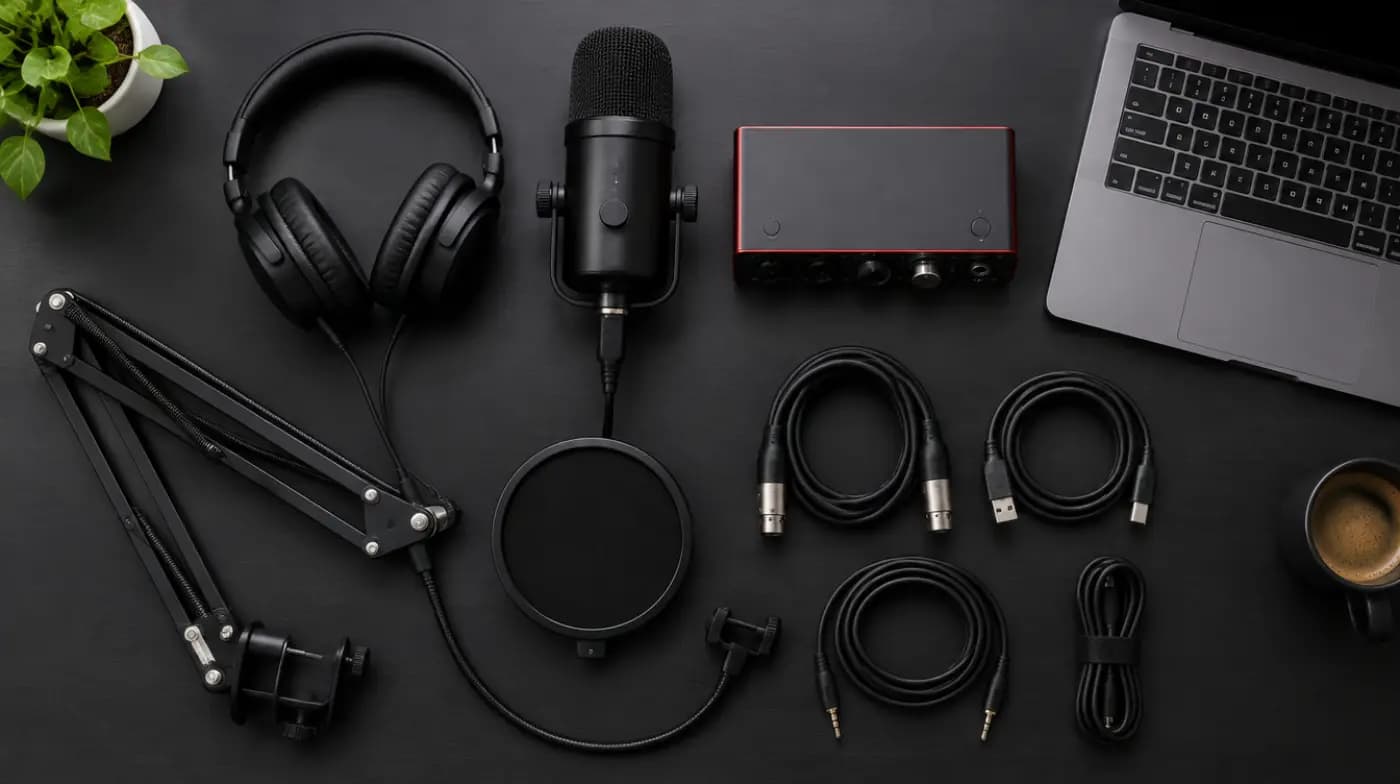
If you strip podcasting down to essentials, you need four things:
- A microphone for each person in the room.
- Closed-back headphones so you can hear what the mic hears.
- Recording software on a computer (free options are fine).
- A quiet room with soft surfaces to absorb echo.
That's it. If you interview guests remotely, which most author and expert shows do, add a remote recording tool to that list. You don't need a mixer, a camera, acoustic foam panels or a dedicated studio to publish a good first episode.
Key takeaway: Buy for the show you'll make in the next six months, not the show you hope to have in three years. You can upgrade one piece at a time once you know where your setup falls short.
What podcast equipment for beginners works best at each budget?
Here are three complete setups. Prices below are typical ranges for each category, not quotes for specific products. Gear prices change often, so check current listings before you buy.
| Item | Starter (about $100) | Serious hobbyist (about $300) | Pro-leaning (about $800+) |
|---|---|---|---|
| Microphone | USB dynamic mic | Hybrid USB/XLR dynamic mic | Broadcast-style XLR dynamic mic |
| Audio interface | None (USB direct) | Optional | 1–2 channel USB interface |
| Headphones | Closed-back, budget | Closed-back, studio model | Closed-back, studio model |
| Mic support | Desk stand (often included) | Boom arm | Boom arm + shock mount |
| Pop filter / windscreen | Foam cover | Foam cover or pop filter | Pop filter |
| Room treatment | Blankets, rugs, closet | Rug, curtains, a few panels | Acoustic panels where needed |
| Recording software | Free (e.g. Audacity) | Free or remote tool, paid tier | Paid editor + remote tool |
| Video (optional) | Phone or existing webcam | 1080p webcam | Better webcam or mirrorless camera |
Starter setup: about $100
This is the right place for most people to begin. A USB dynamic microphone plugs straight into your laptop, rejects much of the room noise around you and needs no extra hardware.
Pair it with a pair of closed-back headphones you may already own, record in Audacity (free and open source, on Windows, macOS and Linux), and treat your room with what's in the house: a rug, curtains, a sofa, a bookshelf.
Serious hobbyist setup: about $300
At this level the big upgrades are a better microphone and a boom arm. A boom arm lets you position the mic close to your mouth without hunching over a desk stand, which improves both your sound and your posture across a long interview.
A hybrid mic with both USB and XLR outputs is a smart buy here. You use it over USB today and plug it into an interface later without replacing it.
Pro-leaning setup: about $800 and up
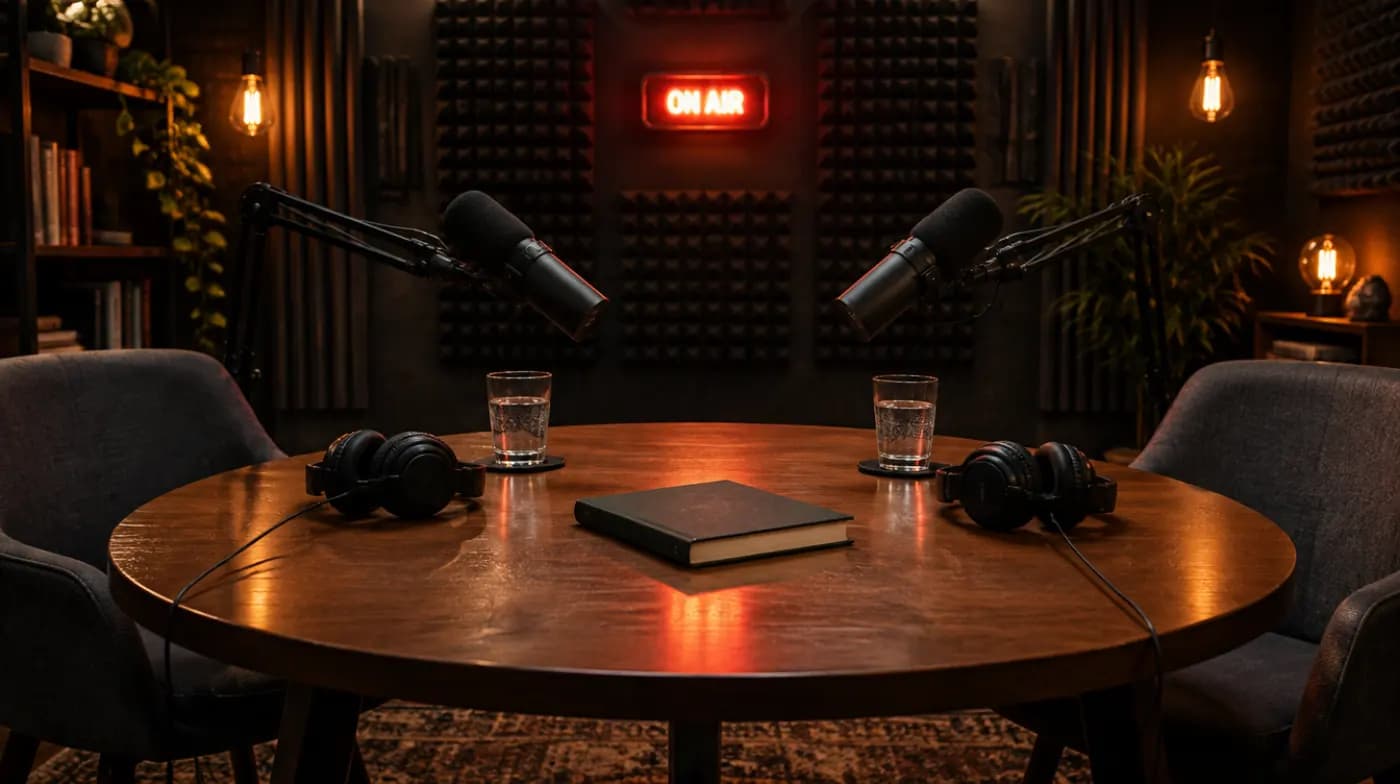
This is where you add an audio interface and an XLR broadcast microphone, plus some real acoustic treatment. It makes sense if you record in person with a co-host or guest, or if you've been podcasting long enough to know exactly what you want to fix.
Don't start here unless you already know you'll keep going. Many podcasts stop after a handful of episodes, and the extra spend won't change that.
Which microphone should a beginner podcaster buy?
The microphone is the most important single piece of podcast equipment. Two choices define it: the type of capsule (dynamic or condenser) and the connection (USB or XLR).
Dynamic vs condenser microphones
- Dynamic mics are less sensitive. They pick up your voice clearly when you're close and ignore much of the sound farther away: the fridge, the street, the echo off bare walls. That makes them the best choice for untreated home rooms.
- Condenser mics are more sensitive and capture more detail. In a treated studio that sounds lovely. In a normal room, they also capture every reflection and background noise.
For beginners recording at home, a dynamic mic is almost always the better call.
USB vs XLR microphones
- USB mics have the converter built in. Plug into your computer and record. Simple, portable, cheap.
- XLR mics need an audio interface or mixer to connect to a computer. They take more setup but scale better: you can run two or more mics into one interface and upgrade parts separately.
- Hybrid USB/XLR mics give you both. Examples include the Samson Q2U, a long-running budget dynamic mic with USB and XLR outputs, and Shure's MV7+, a higher-priced hybrid dynamic model. These are named as examples of the category, not endorsements.
Tip: Get within about a fist's width of a dynamic mic and speak slightly across it rather than straight into it. Mic technique fixes more problems than a more expensive mic does.
What other podcast equipment matters?
Headphones
Use closed-back headphones while recording. Open-back models leak sound, which your mic can pick up. Wear them so you hear your levels, plosives and room noise in real time rather than discovering problems after an hour-long interview.
Earbuds work in a pinch, and they're often the best option for remote guests because they're unobtrusive on video.
Audio interface
An interface converts the analog signal from an XLR mic into digital audio your computer can record. It also powers some microphones and gives you a zero-latency headphone output.
A one- or two-input USB interface is enough for most podcasts. Popular lines such as Focusrite's Scarlett range are widely used by home podcasters. You only need one if you use XLR mics.
Boom arm and shock mount
A boom arm clamps to your desk and holds the mic in front of your mouth. A shock mount isolates the mic from desk bumps and keyboard taps. Both are quality-of-life upgrades, but a boom arm is the one most podcasters say they wish they'd bought sooner.
Pop filter or windscreen
Plosives (the bursts of air on "p" and "b" sounds) cause thumps in your recording. A foam windscreen on the mic or a mesh pop filter in front of it softens them. Many mics ship with a foam cover, which is enough.
Room treatment
Echo is the most common reason a home podcast sounds amateur. Soft, irregular surfaces absorb it. Try these before buying foam panels:
- Record in the smallest furnished room you have.
- Add a rug, close the curtains and sit facing an open room rather than a bare wall.
- Hang a heavy blanket behind or beside you.
- For voice-only recording, a walk-in closet full of clothes works surprisingly well.
If you then still hear a hollow ring on playback, a few acoustic panels at the first reflection points (the walls beside and in front of you) are worth the money.
What podcast recording software should beginners use?
You need software to record, edit and export your episodes. Options fall into three groups:
- Free editors. Audacity covers recording, trimming, noise reduction and export. GarageBand comes free on Macs.
- Paid editors. Tools like Adobe Audition, Hindenburg and Reaper offer faster workflows and more control. Most offer trials, so test before committing.
- Text-based editors. Some tools let you edit audio by editing a transcript, which is quick for cutting tangents and filler from interviews.
Whatever you choose, record a three-minute test, listen back on headphones and in your car, and adjust before your first real interview.
How do you record remote podcast guests?
Most interview podcasts record guests remotely. Video-call apps work, but their audio is compressed and drops out when the connection wobbles.
Dedicated remote recording tools solve this by recording each person locally on their own device, then uploading the files. You get clean, separate tracks for each speaker even if the live call stutters. Riverside, for example, lists a free plan with limits alongside paid tiers.
For any remote guest, send a short prep note ahead of time:
- Use wired headphones or earbuds, not laptop speakers.
- Sit in a small, quiet room with soft furnishings.
- Plug into the router or sit close to it, and close other apps.
- If they own a USB mic, use it; if not, wired earbuds with a mic beat the laptop's built-in mic.
What does a simple podcast equipment setup look like?
Here's a clean starter podcast equipment setup on a desk:
- Clamp the boom arm (or place the desk stand) so the mic sits a few inches from your mouth, slightly off-axis.
- Plug the USB mic into your computer, or the XLR mic into your interface and the interface into your computer.
- Plug your headphones into the mic or interface headphone jack so you hear yourself without delay.
- In your recording software, select the mic as the input and set levels so your normal speaking voice peaks well below the red, with headroom for laughter.
- Silence your phone, turn off fans and notifications, and record a short test before every session.
Once your gear is sorted, the next decisions are format and structure. Our step-by-step guide on how to start a podcast covers the rest, and the breakdown of what it costs to launch a show shows how equipment fits alongside hosting, editing and artwork.
What podcast equipment can beginners skip?
You can safely skip, at least at first:
- Mixers and sound boards. Useful for live shows and multi-mic in-person recording, overkill for most solo or remote shows.
- Condenser mics if your room isn't treated.
- Wall-to-wall acoustic foam. Thin foam squares do little for low-frequency boom; furniture often does more.
- Pro cameras before you know whether video helps your show.
- Portable recorders unless you record on location.
Spend the saved money on editing help or your time, which is what most shows run out of.
Common beginner mistakes with podcast equipment
- Sitting too far from the mic. Distance adds room echo. Move closer before you buy anything new.
- Recording guests on laptop mics. Ask every guest for headphones at minimum.
- Skipping a test recording. Two minutes of testing saves an unusable hour.
- Recording too hot. Levels that clip can't be fixed in editing. Leave headroom.
- Ignoring the intro. Good gear can't rescue a slow opening. See our podcast intro examples and script templates for that part.
Equipment for authors who guest on podcasts
If you're a nonfiction author who mainly appears as a guest on other people's shows, you need even less: a USB dynamic mic, wired earbuds or closed-back headphones, and a quiet room. Hosts notice when a guest sounds clean, and it makes them more likely to invite you back and recommend you to other shows.
If you'd rather spend your time on the interviews than on finding them, our podcast book tour handles the research, pitching and scheduling around your launch dates.