
Most readers, podcast hosts and journalists who hear about your book will search your name before they do anything else. What they find in the next ten seconds decides whether they buy, book you or move on.
That's why it pays to study author website examples before you build. Below are 14 patterns that work, three real sites worth a look, a page-by-page checklist, a platform comparison and a homepage template you can copy.
What makes a great author website?
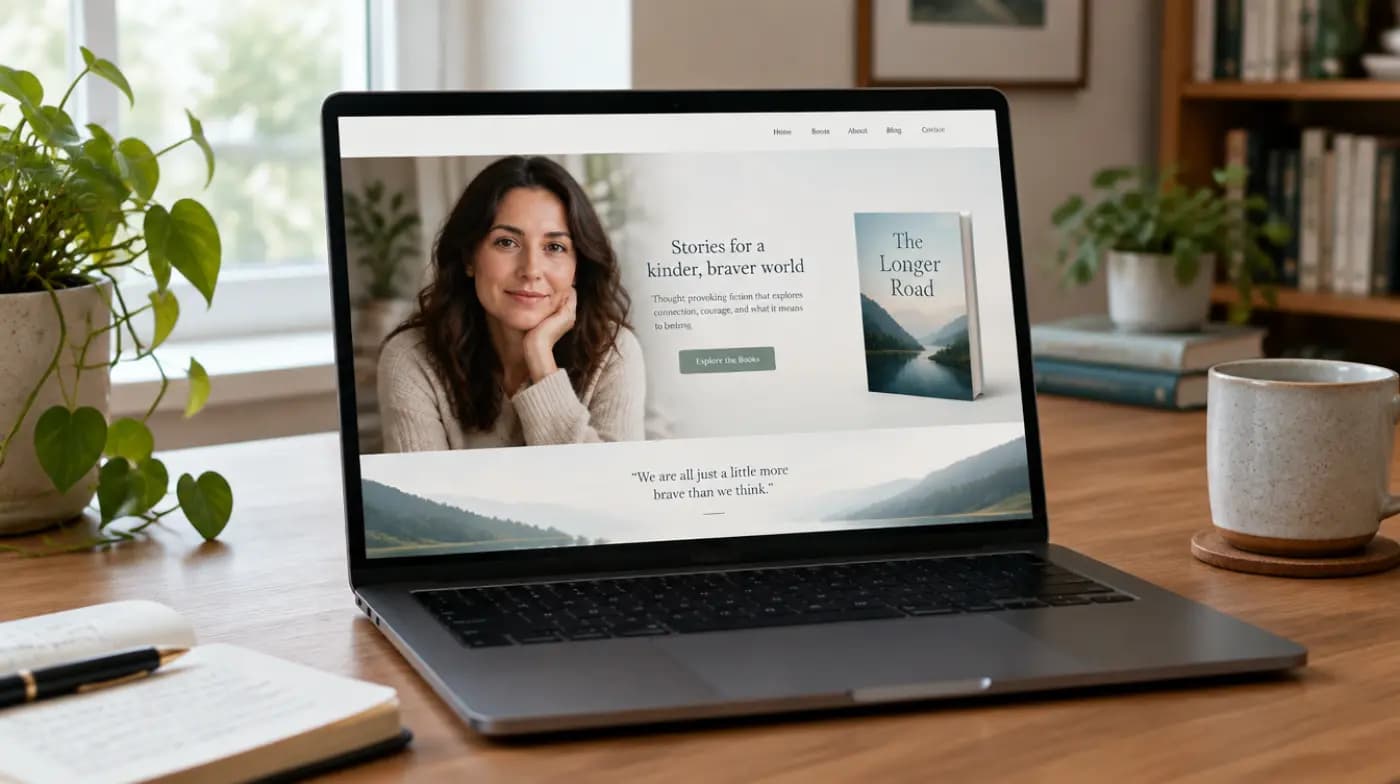
A good author website is not a portfolio. It is a small set of pages built to move visitors to one of three actions: buy the book, join the email list, or get in touch.
Every strong example shares a few traits:
- A clear promise above the fold. One line on who you help and how, not "Welcome to my website."
- The book, visible and buyable. Cover, one-sentence hook, and links to more than one retailer.
- A reason to subscribe. A free chapter, checklist or short email course, not just "Join my newsletter."
- Proof. Endorsements, review quotes, media logos or speaking clients, if you have them honestly.
- Easy contact. A visible route for media, speaking and podcast requests.
Key takeaway: Good author website design is about clarity and the next step. Fancy animation rarely helps; a crisp headline and one obvious button usually do.
What do real author website examples look like?
Three well-known nonfiction author sites show the main patterns clearly. Details below were checked in October 2026; sites change, so look at them live.
James Clear: book first, newsletter close behind
James Clear's site opens with a reader benefit ("An Easy & Proven Way to Build Good Habits & Break Bad Ones") rather than his name. The homepage offers a free download of chapter one of Atomic Habits, promotes his 3-2-1 newsletter with links to recent issues, and adds a free 30-day email course. Navigation is short: Books, Articles, Newsletter, App, Speaking, About.
The lesson: lead with what the reader gets, then give them two or three free ways in.
Adam Grant: a hub for many projects
Adam Grant's site works as a hub. Large tiles point to talks, books and podcasts, and his books appear together on the homepage. A signup section for his Granted newsletter states it reaches over 500,000 readers.
The lesson: once you have several books, shows or programs, organize the homepage around routes ("Talks," "Books," "Podcasts") rather than one product.
Cal Newport: two audiences on one page
Cal Newport's site splits clearly into "Cal the Writer" and "Cal the Academic," with a newsletter signup for his weekly essays near the top. The writer section links his books and podcast; the academic section links his research and CV. The footer lists separate contact emails for academic, media and other inquiries.
The lesson: if you serve two audiences, give each its own section and its own contact route.
Which author website examples should you copy? 14 patterns
You don't need to be famous to use these. Each pattern below is an archetype you can adapt to your own book.
Homepage patterns
- The single-book launch page. One book, one promise, one buy button, one sign-up. Ideal for a debut nonfiction author in the six months around launch.
- The benefit-led headline. Leads with the reader's outcome ("Pay off debt without giving up your life") and puts your name second.
- The free-chapter magnet. The main call to action is "Read chapter one free," which grows the list and lets the book sell itself.
- The hub homepage. Tiles or cards for books, speaking, podcast and newsletter, for authors with several offers.
- The newsletter-first site. Recent issues are the main content and the subscribe box sits at the top. Works when the newsletter is the author's main relationship with readers.
Credibility patterns
- The expert's media room. A press page with headshots, short and long bios, topics, sample questions and past interviews. Podcast hosts love this. (For bio wording, see these author bio examples.)
- The speaker-led site. Keynote topics, a short video clip, past event hosts and a booking form above the fold. Common for leadership and business authors.
- The proof wall. Endorsement quotes and review snippets arranged under the book. Only use real, permissioned quotes.
- The two-audience split. Separate sections for, say, readers and corporate clients, as in the Cal Newport example above.
Content patterns
- The essay archive. A searchable library of articles that ranks in search and keeps bringing new readers to the book.
- The resource hub. Free worksheets, templates and assessments from the book, each gated or ungated depending on your list goals.
- The podcast or interview page. A running list of your appearances. It doubles as social proof for future hosts.
Book-specific patterns
- The series or backlist shelf. Every book with its cover, one-line hook and retailer links, in reading order or by topic.
- The book microsite. A page (or separate domain) per book with excerpts, bonus material and pre-order incentives, linked from the main author site.
Tip: Write your one-sentence hook before you touch a template. If you struggle, start from these book blurb examples and cut down to one line.
What pages does an author website need? A page-by-page checklist
Use this table as your build list. Start with the "must-have" pages and add the rest as your career grows.
| Page | Must-have elements | Priority |
|---|---|---|
| Homepage | Benefit headline, book cover + buy button, email sign-up with an incentive, short bio line, one proof element | Must-have |
| Books | Each book: cover, hook, short description, 2+ retailer links, formats (print, ebook, audio) | Must-have |
| About | Photo, short bio (50 words) and longer bio (150–250 words), why you wrote the book | Must-have |
| Newsletter | What subscribers get, how often, sample issue or archive, sign-up form | Must-have |
| Contact | Form or email, separate routes for media, speaking and rights if relevant | Must-have |
| Media / press kit | Headshots, bios, topics, sample interview questions, past appearances, cover image | Strongly recommended for nonfiction |
| Speaking | Keynote topics, video clip, past audiences, booking form | If you speak |
| Articles / blog | Useful essays on your topic, each linking to the book | Optional, good for search |
| Resources | Free worksheets or bonus material from the book | Optional |
| Privacy policy | Required if you collect emails or run analytics | Must-have |
How do you create an author website, step by step?
Here's how to create an author website without overthinking it.
- Register your name as a domain. Use yourname.com if available; add "author," "books" or "writes" if not.
- Pick a platform from the comparison below.
- Write the copy first. Headline, book hook, bios, newsletter promise. Design follows words.
- Choose a simple template. One or two fonts, one accent color that echoes your cover.
- Set up your email tool and connect the sign-up form. Test it with your own address.
- Add retailer links for every format, and check each one works.
- Build the media page. Upload high-resolution headshots and your cover.
- Check it on a phone. Most visitors will arrive on mobile.
- Publish, then update each time you have news, an interview or a new endorsement.
Which platform is best for an author website?
Every major builder can produce a professional author website. The differences are cost, flexibility and how much you'll enjoy maintaining it. Plan details below were checked on each provider's pricing page in October 2026.
| Platform | Free option | Own domain | Best for | Watch out for |
|---|---|---|---|---|
| Squarespace | No free plan; 14-day free trial | Yes; annual plans include a free domain for the first year (Squarespace pricing) | Authors who want polished templates with little setup | Less flexible than WordPress for custom features |
| Wix | Yes, free plan | Requires a Premium plan, which also removes Wix branding (Wix plans) | Drag-and-drop editing and lots of layout control | Free plan isn't suitable for a professional author site |
| WordPress.com | Yes, free plan (shows ads, no custom domain) | Personal plan and up; free plan sites show WordPress.com ads (WordPress.com pricing) | Authors who plan to blog and want room to grow | More settings to learn |
| Self-hosted WordPress | Software is free; you pay for hosting | Yes | Full control, any plugin or theme | You handle updates, security and backups |
| One-page builders | Varies | Usually on paid plans | A quick single-book landing page | Outgrown fast once you have a backlist |
Whatever you pick, use your own domain from day one. It keeps your links working if you ever switch platforms.
What should an author homepage say? A template
Copy this structure and fill in the brackets. It works for most nonfiction authors.
Template: Author homepage outline
[HEADER]  Logo/name | Books | About | Newsletter | Media | Contact

[HERO]
Headline: [Outcome your reader wants], without [common pain].
Subhead:  [Book Title] by [Your Name], [credential in 8 words or fewer].
Buttons:  [Buy the book]  [Read chapter one free]

[PROOF STRIP]
"[Short endorsement]" — [Name, role]   (real, permissioned quotes only)

[ABOUT THE BOOK]
3 bullets: what readers will learn or be able to do.
Retailer links: Amazon | Bookshop | Apple | Audio

[EMAIL SIGN-UP]
"Get [free resource] and [what you send, how often]."
[First name] [Email] [Send it to me]

[ABOUT YOU]
Photo + 2–3 sentences. Link: Full bio and press kit →

[MEDIA / SPEAKING]
"As heard on" list of past interviews or topics you speak on.
Button: Invite [Name] on your show or stage

[FOOTER]
Contact email | Social links | Privacy policy
What author website design mistakes should you avoid?
Even good sites trip on the same few things:
- No email sign-up, or one hidden in the footer.
- Only one retailer link. Readers have preferences; give them choices.
- A homepage about you, not the reader. Lead with their problem.
- No media page. Hosts and editors give up if they can't find a headshot and bio fast.
- Stale news. A "coming soon" banner from two years ago signals an abandoned site.
- Slow pages. Compress large images, especially your hero photo and cover.
How does your website fit into book promotion?
Your site is the place every other channel points to. A podcast host mentions your free chapter, a listener visits, and the sign-up form turns a one-time listener into a reader you can reach again. Pair it with a newsletter worth reading; these author newsletter examples show formats that work.
If you want hosts sending listeners to that site during launch, our podcast book tour handles show research, pitching and scheduling, and your media page will do a lot of the work once those visits start. For more channels to drive traffic, browse these book promotion ideas.