
Your Amazon author page is often the first place a reader, podcast host or event organizer lands after hearing your name. If you haven't claimed it, Amazon builds it from catalog data, which usually means no photo, no bio and an incomplete book list.
Amazon Author Central is the free tool that fixes that. This guide walks through what it is today, how to join and claim your books, how to build a page that works, and which reports are worth checking. Everything below reflects the updated Author Central as of November 2026.
What is Amazon Author Central?
Amazon Author Central is Amazon's free dashboard for authors, at author.amazon.com. Amazon describes it as letting you "take control of your Author Profile on Amazon, Audible, and in Kindle books." In practice, it's where you claim the books you wrote and manage the author page that readers see.
You'll hear it called several things: author central amazon, Kindle author central, author central.com or the amazon.com author central site. They all mean the same tool. Amazon recently rebuilt it as a "new, updated" hub and moved existing accounts over automatically, so if you joined years ago, your old login still works.
Author Central is separate from Kindle Direct Publishing. KDP is where self-published authors upload and price books. Author Central is where any author, self-published or traditionally published, manages how they appear as an amazon author.
What can you do in Author Central?
Here's what the current amazon author central dashboard offers, based on Amazon's KDP help page on Author Central and the Author Central site itself.
| Feature | What it does | Where it works |
|---|---|---|
| Claim books | Adds your titles (all formats) to your author page | All supported marketplaces |
| Biography | Your bio, with optional translations in other languages | Across Amazon |
| Author photo | One profile photo used across Amazon | Across Amazon |
| Author page URL | A short link like amazon.com/author/yourname | Amazon.com |
| Book recommendations | Books you recommend, with a note on why | Author page and Amazon site |
| Followers | Shows how many customers follow you | Author Central |
| Best Sellers Rank | Rank history for each book | .com, .co.uk, .de, .fr, .co.jp |
| Customer reviews | All reviews of your books in one place | Author Central |
| Editorial reviews | Add review quotes to a book's detail page | US only |
| BookScan | Weekly US print sales and sales by geography | US only |
| Amazon Ads | Start ad campaigns with your claimed titles synced | US, UK, Germany, France, Spain, Italy |
Two things that used to be there have changed. Photo galleries and videos on author pages stopped displaying in November 2023, according to Author Central's own notice. Some older editing tools, such as pen-name management and product description edits for amazon.com, still sit in "classic Author Central" while Amazon finishes the move.
Key takeaway: Author Central is less about decoration than it used to be. The photo, bio, complete book list and short URL do most of the work now.
How do you join Author Central and claim your books?
There are two ways in, depending on how you published.
If you publish through KDP (kdp author central route)
This is the official path Amazon gives in its KDP help, and it's the fastest way to set up a KDP author page (Kindle Direct Publishing author page).
- Sign in to KDP and open the Marketing page.
- In the Author Central section, choose the marketplace where you want your author page.
- Click Manage author page. You'll be sent to Author Central.
- Click Join for free and sign up using your KDP account details.
- Search for one book you wrote by ISBN, ASIN or author name.
- Select it and confirm you are that author.
Because you use the same Amazon login, people often call this "author central amazon kdp" or "author central kdp." The accounts are linked by login, but your Amazon KDP author page content is still edited inside Author Central, not inside KDP.
If you're traditionally published
Go straight to author.amazon.com, click Join for free or Claim your Author Page, sign in with an Amazon account and search for one of your books. Your publisher doesn't need to do anything, and in fact Amazon says it can currently verify and enroll only authors, not agents or publishers.
What happens after you claim a book?
Amazon tries to match your account details to the catalog. Its help text says this "may take up to a few days," and approval can take up to seven days. You can write your bio and upload a photo in the meantime; Amazon holds them until you're verified.
Once approved, add the rest of your books from your bookshelf. Claim every format you want listed: hardcover, paperback, Kindle and audiobook editions can appear as separate items.
Tip: If your name isn't on a book's listing but should be (a contributor or co-author credit, for example), Author Central support asks for the ISBN or ASIN plus a link, such as your publisher's page, that proves you worked on it.
How do you create an Amazon author page that works?
To create an amazon author page that actually helps readers decide, focus on the four elements Amazon still displays prominently.
1. Write a bio for readers, not a CV
Amazon recommends keeping each biography under 1,000 characters, roughly 150 to 180 words. Write in third person, lead with why you're credible on your book's topic, and end with one human detail. Our author bio examples include several 100-word versions written for exactly this slot.
If you have readers in other languages, add a translated bio. Author Central lets you store versions in multiple languages, and they show to readers in those markets.
2. Use a clear, square photo
Amazon recommends a square image at least 300 x 300 pixels. The page crops it to a circle, so center your face and leave space around it. A professional headshot matters more for nonfiction, where readers are judging expertise.
3. Claim every book and edition
An incomplete book list looks like an abandoned page. Check that older titles, anthologies you contributed to and audiobook editions all appear. If a book is missing after you claim it, contact support with the ISBN.
4. Set your author page URL
You can create one short link, in the form amazon.com/author/yourname. Amazon's rules say it must be 1 to 30 characters, use only lowercase letters, numbers, dashes, periods and underscores, and you can choose it only once. Pick your plain name if it's available. You'll put this link in your email signature, your speaker one-sheet and your author website.
What is amazon author page optimization, and what's worth doing?
Amazon author page optimization mostly means keeping the page complete and current rather than chasing tricks. Here's a short checklist.
- Update your bio at launch. Name the new book in the first or second sentence.
- Add editorial reviews (US). Endorsements and media quotes can go on each book's detail page. Amazon says changes can take up to five days to appear.
- Use book recommendations. You pick a book for each prompt and explain why in your own words. Amazon says if you submit at least three new recommendations, it may email them to your followers.
- Grow followers before launch. Followers can get emails about your new releases and pre-orders, so link your author page URL anywhere readers meet you, including podcast show notes.
- Check every marketplace. Preview how your page looks in each country from your profile settings.
- Align your book descriptions. A strong page is undermined by a weak product description. See our book blurb examples for structure.
Template: A launch-week update for your author page.
BIO (first line): [Name] is the author of [New Book], a [genre/topic] book that helps [reader] [result].
EDITORIAL REVIEWS: 2-3 endorsements, each one sentence, with name and credential.
RECOMMENDATIONS: 3 books your readers will also like, each with a one-line reason.
LINK: amazon.com/author/[yourname] in your email signature, website and show notes.
Which Amazon marketplaces does Author Central cover?
According to Amazon's KDP help, Author Central is fully supported on Amazon.com, Amazon.co.uk, Amazon.de, Amazon.fr, Amazon.co.jp and Amazon.com.br. You manage all of them from one login, which is a change from the old setup where each country had its own site.
Author pages also exist on Amazon.in, Amazon.it, Amazon.es, Amazon.com.au, Amazon.ca and Amazon.com.mx if you have books for sale there. In those six, Amazon pulls the page information from the US marketplace, and you can't currently edit it separately.
What about Amazon Author Central UK?
There's no separate UK sign-up any more. Amazon author central UK is simply the Amazon.co.uk marketplace inside the same account. In KDP, choose Amazon.co.uk from the Author Central drop-down, or switch marketplaces inside Author Central, then check your UK page has the same bio and books as your US page.
What do the Author Central reports tell you?
The reports are useful, as long as you know their limits.
Best Sellers Rank
The sales rank chart shows how each book ranks against the rest of the catalog over time. Amazon warns that rank can move even when you sell nothing, because it's relative to every other book, so it can't be used to count sales.
Customer reviews
All reviews of your books appear in one list. Amazon says new reviews show up in Author Central 24 to 48 hours after they're posted, after a check against its community guidelines. If you want more of them, our guide on how to get book reviews covers ethical ways to ask.
BookScan
BookScan shows weekly US print sales, plus a map of sales by geography. Amazon notes it updates every Friday and doesn't cover everything: BookScan estimates it reports about 85% of retail print sales, and it doesn't include ebooks. It's only available for US sales.
Sales-by-geography is quietly one of the most useful views for planning. If one city outsells the rest, that's a signal for where to target local media, bookstore events or regional podcasts.
Tip: For self-published ebook and Kindle Unlimited numbers, use your KDP reports. Author Central's BookScan view is print-only.
What are the most common Author Central problems?
- "Someone else has claimed this author." A co-author, agent or assistant may have claimed it first. Contact Author Central support.
- Two authors with your name. Make sure you claim books by ISBN or ASIN, not by name alone, so the wrong person's books don't land on your page.
- Pen names. Each customer account can claim up to three authors. Adding a pen name currently runs through classic Author Central, and Amazon may ask your publisher to confirm it.
- Not approved after seven days. Contact support with your join date and anything that proves authorship.
- Changes not showing. Bio and recommendation updates typically appear within a day; editorial reviews can take up to five days.
Where does your Amazon author profile fit in a launch?
Your amazon author profile is a destination, not a traffic source. Readers arrive there after they've heard about you somewhere else: a podcast interview, a newsletter, a talk, a review.
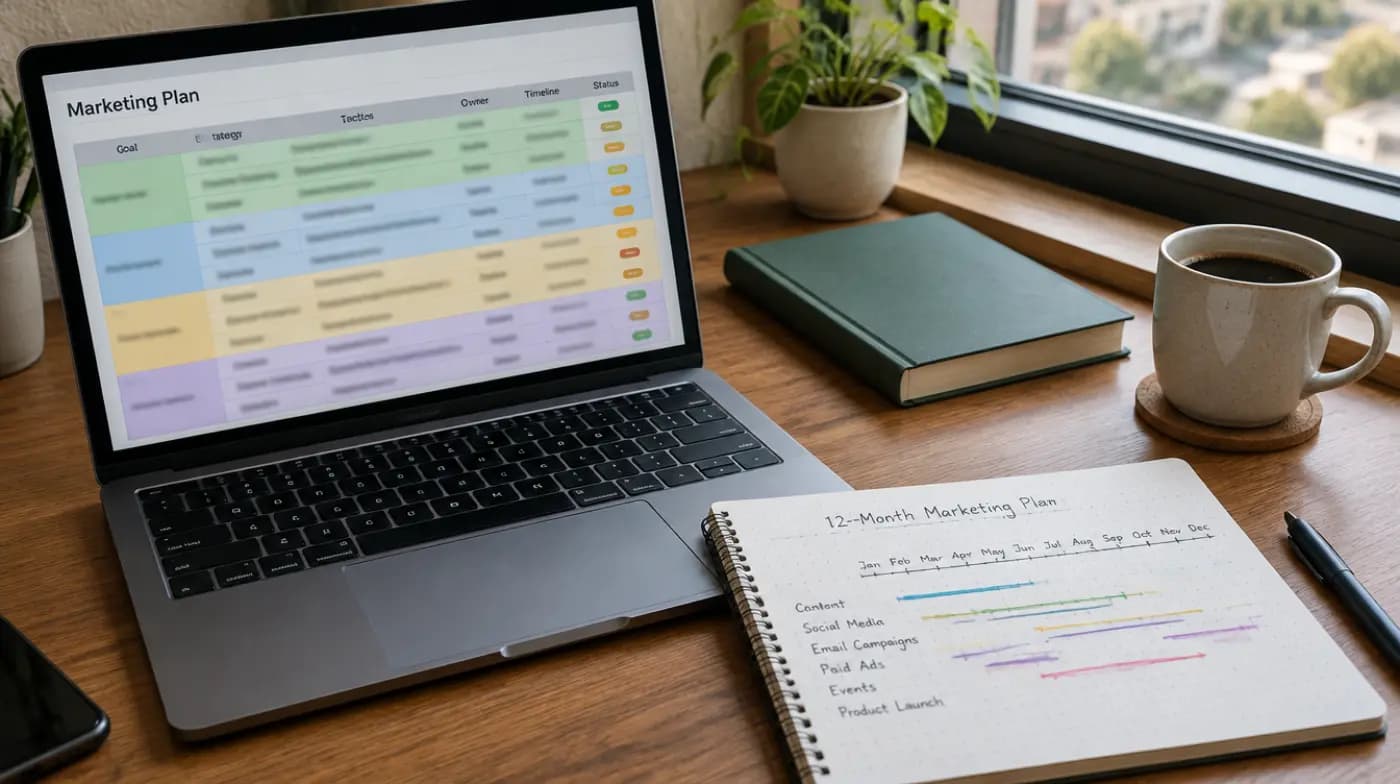
That's why it belongs in your book marketing plan a few weeks before launch day, not after. Claim your books as soon as the pre-order page is live, set the URL, finish the bio, and add the link to everything you send out.
It's also the page podcast hosts check before saying yes to a guest. When we prepare authors for a podcast book tour, a complete Amazon author central page is part of the basic kit, alongside the one-sheet and a read-aloud intro. Spend an hour on yours now and it will keep working for every interview that follows.